
Every creator knows the audio problem. You spend four hours on a video, you find the perfect track, and then you spend another hour working out whether using it will get the whole thing muted, demonetised or quietly buried. Repeat weekly, forever.
Adobe has just made a fairly serious move to solve it. Firefly’s audio tools – Generate Music, Generate Speech and Generate Sound Effects – are now broadly available, which means AI-generated, commercially licensed audio now sits inside the same creative studio as everything else.
What Has Actually Launched
Three tools, all now out of limited access and into general availability:
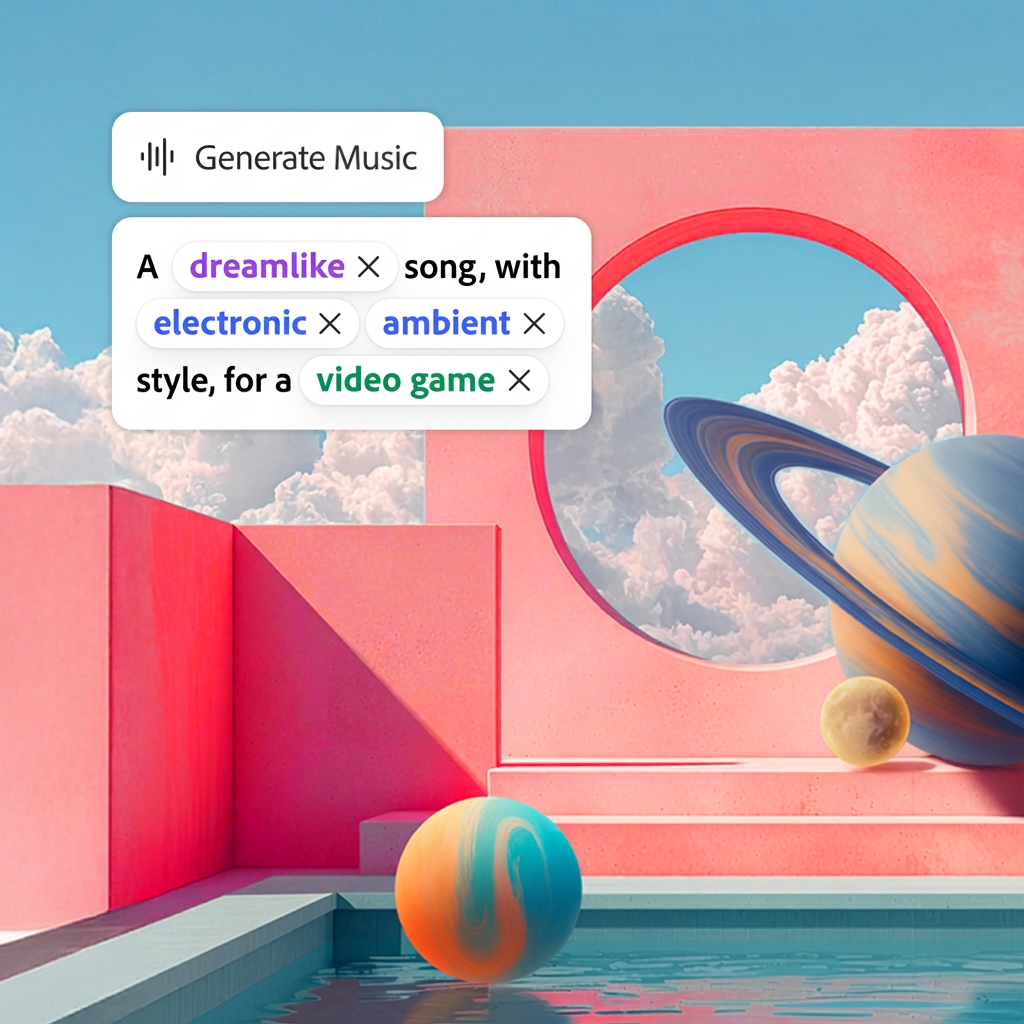
- Generate Music creates original, universally licensed tracks tailored to your video
- Generate Speech turns a written script into a natural-sounding voiceover
- Generate Sound Effects creates custom sound effects matched to your scene
Adobe is positioning all three as “commercially safe” – the same framing it has used for Firefly’s image models since launch, and the single most important word in the announcement if you make content for brands.
The use cases Adobe lists are deliberately unglamorous and very familiar: social content, live vlogs, short films, product tutorials, podcast clips. This is not being sold as a tool for scoring feature films. It is being sold for the Tuesday-afternoon Reel.
Why we care: Music licensing is one of the last genuinely tedious bottlenecks in a creator workflow that has otherwise been automated to within an inch of its life. You can generate the script, the captions, the thumbnail and the schedule – and then still lose an hour to whether a track is cleared for a paid partnership. Removing that step is not glamorous. It is just quietly enormous.
The Research Behind It
Adobe points to new research from Berklee College of Music, which found that nearly four in five – 80% – of creators, musicians and professionals post video content daily or several times a week. Every single respondent said they use music in their videos.
Every one. Which tells you the demand was never in question; the licensing was.
What Creators Are Saying
Adobe shared quotes from two creators who have been using Generate Music in live work, and both go straight to the commercial-safety point rather than the novelty.
Madeline Salazar – a content creator and AI expert who makes short-form special-effects videos combining Photoshop skills with AI, and who is regularly called on by CBS’s Inside Edition as their AI expert – put it in client terms.
“When I am making content for a brand, there is always the complication of licensing the background music. Using Generate Music I am able to create a soundtrack that is unique to the video I’m making, and it gives me peace of mind because I know the music is fully licensed for commercial use,” she said.
“When I deliver something to a client, I’m putting my name behind the entire project, so being able to create original music for the piece, and feel confident about handing it over, is really important to me.”
Esther Rehema – a beauty, fashion and lifestyle creator currently also training for her aesthetician licence – made the time argument, which will land with anyone juggling content alongside an actual job.
“Going back to school and trying to stay consistent as a content creator can get really overwhelming. I love that Adobe Firefly has made my creative process so much easier,” she said. “Being able to find copyright safe music that fits my content is such a game changer. What used to take me hours and hours of searching for the right song can now take seconds.”
Hours to seconds is the pitch, and it is a good one – with the caveat that “the right song” and “a song that works” are not always the same thing.
The Firefly AI Assistant Is Now Free To Try
The other headline is that Firefly’s AI Assistant, in beta since earlier this year, now has a free tier with daily generations. No card, no commitment, just a capped number of goes per day.
Adobe says the most-used new skills are Create Storyboard and Create Brand Kit – which is telling. Both are planning tools rather than generation tools. The demand is apparently less “make me a thing” and more “stop me having to open six tabs to work out what the thing should look like”.
Firefly Is Becoming A Model Marketplace
The most strategically interesting line in the announcement is the least dramatic one. Gemini Omni Flash is now available inside Firefly, joining recent additions Runway Aleph 2.0 and Kling 3.0, alongside Adobe’s own models.
Read that again. Adobe is putting rival models – including Google’s – inside its own creative studio.
It is a bet that the durable value is not in owning the best model, which changes roughly every six weeks, but in owning the place where the work actually happens: the timeline, the layers, the brand kit, the export. Let everyone else fight over the models. Adobe would like to be the room.
The Small Print Worth Reading
Two things to keep in mind before you rebuild your entire workflow around this.
First, “commercially safe” is a licensing statement about the training data and the output rights. It is not a promise about how each individual platform will treat AI-generated audio. Spotify has started labelling AI artists; other platforms are still writing their disclosure policies. If you are producing branded content, check the client’s AI policy as well as the licence.
Second, generated music is very good at fit-for-purpose and still some way off memorable. For B-roll, tutorials and product videos, that is entirely fine. For anything where the sound is the point, a real musician remains a real musician.
The Modems Take
This is not the flashiest AI announcement of the month, and that is precisely why it matters. The tools that actually change how people work are rarely the ones that generate a viral demo – they are the ones that delete a recurring hour from your week.
If you make content for brands, the licensing clarity alone is worth the trial. Start with Generate Sound Effects, which is the fastest way to make a rough edit feel finished, and work up from there.
Adobe announced the expansion on 20 August 2026. Firefly’s AI Assistant now offers free daily generations.
Some of the products and services featured in this article may be from our affiliate partners, which means we may earn a small commission if you make a purchase through these links — at no extra cost to you. Our editorial team only spotlights what we genuinely love and think you will, too.