
Apple’s long-awaited AI tools, called Apple Intelligence, are now rolling out to iPhones, but only for select users. Announced back in June, the new features became available on Monday for those with compatible devices after updating to iOS 18.1.
To access Apple Intelligence, users must join a waitlist after updating. Once approved, they can try out features like notification summaries, advanced message-writing help, and a refreshed Siri interface. However, these tools are only accessible on the newest devices, including all iPhone 16 models and the iPhone 15 Pro and Pro Max, as well as recent Macs and iPads with Apple’s latest chips.
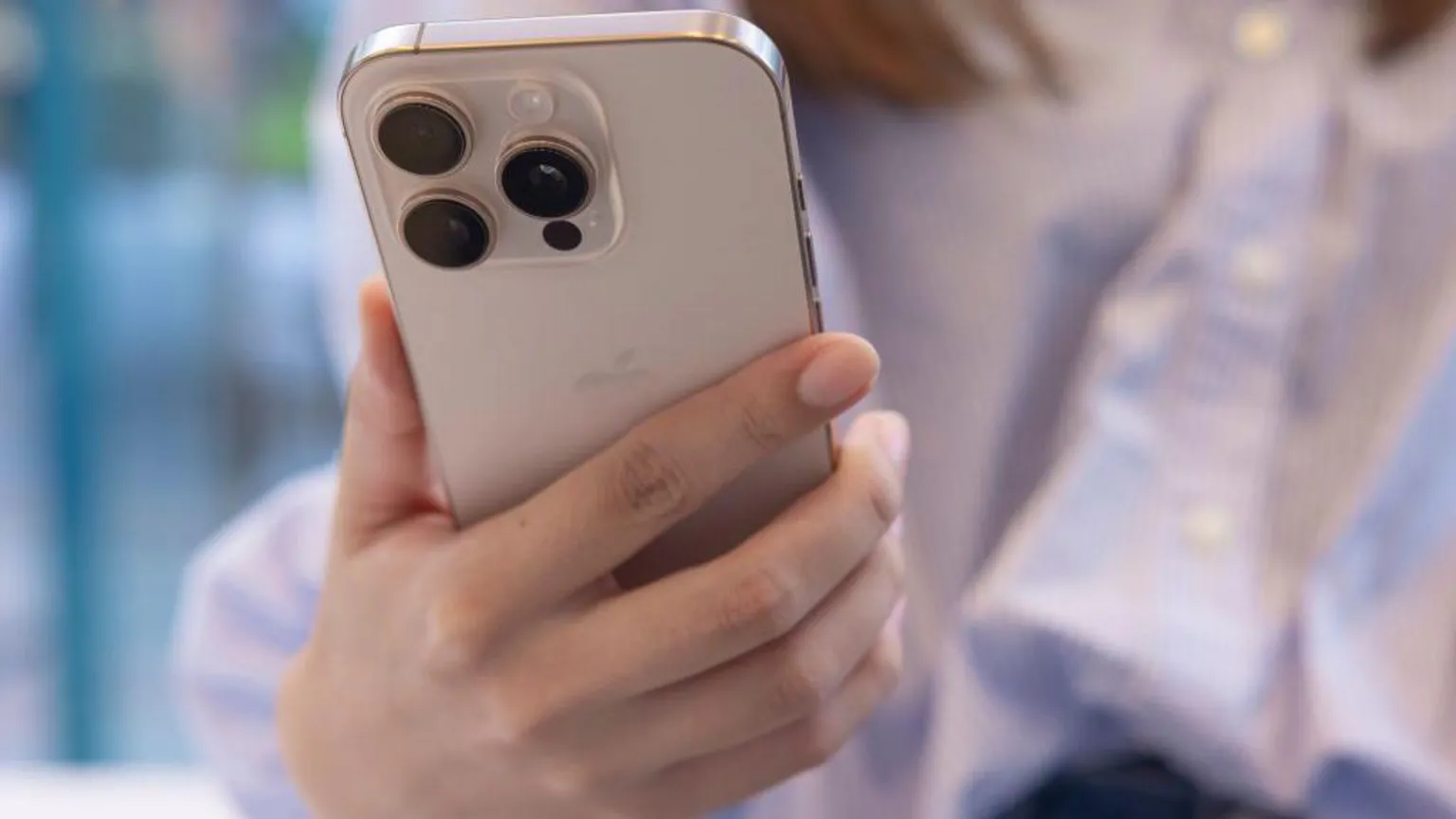
Courtesy of Getty Images
MORE: Will Apple’s iOS 18 Make It Easier to Cheat in Relationships?
DISCOVER: How to Stop Your iPhone from Secretly Tracking You: 3 Key Settings to Change
While these updates bring Apple in line with other tech giants, some features are arriving later than similar offerings from Google and Samsung. Google’s Magic Eraser and Samsung’s Galaxy AI already allow users to clean up photos, translate conversations in real time, and organize notes. Samsung has even expanded its AI features to older devices, aiming to reach over 100 million users by 2024.
MORE: New features coming from Apple to you this fall
DISCOVER: Apple is about to dominate fitness streaming
Apple CEO Tim Cook commented that Apple doesn’t aim to be first, but rather to focus on “getting it really great.” And to ensure these tools are safe, Apple recently announced it would reward ethical hackers up to $1 million for finding vulnerabilities in its AI software.
More AI features, such as text-to-image generation and emoji creation, are expected to roll out later this year.
Some of the products and services featured in this article may be from our affiliate partners, which means we may earn a small commission if you make a purchase through these links — at no extra cost to you. Our editorial team only spotlights what we genuinely love and think you will, too.
11 responses to “Apple AI: How To Get It on Your iPhone”
-
… [Trackback]
[…] Find More to that Topic: themodems.com/tech/apple-ai-how-to-get-it-on-your-iphone/ […]
-
… [Trackback]
[…] There you can find 3435 more Info to that Topic: themodems.com/tech/apple-ai-how-to-get-it-on-your-iphone/ […]
-
… [Trackback]
[…] Here you will find 17211 additional Information on that Topic: themodems.com/tech/apple-ai-how-to-get-it-on-your-iphone/ […]
-
… [Trackback]
[…] There you will find 90687 more Information to that Topic: themodems.com/tech/apple-ai-how-to-get-it-on-your-iphone/ […]
-
… [Trackback]
[…] Read More here on that Topic: themodems.com/tech/apple-ai-how-to-get-it-on-your-iphone/ […]
-
… [Trackback]
[…] Info to that Topic: themodems.com/tech/apple-ai-how-to-get-it-on-your-iphone/ […]
-
Excellent breakdown of the topic.
-
Perfectly balanced between detail and simplicity.
-
… [Trackback]
[…] Information on that Topic: themodems.com/tech/apple-ai-how-to-get-it-on-your-iphone/ […]
-
… [Trackback]
[…] Find More here to that Topic: themodems.com/tech/apple-ai-how-to-get-it-on-your-iphone/ […]
-
… [Trackback]
[…] There you will find 73978 additional Info on that Topic: themodems.com/tech/apple-ai-how-to-get-it-on-your-iphone/ […]


Leave a Comment