
Few things trigger modern rage quite like your iPhone flashing that little red battery icon right when you’re trying to navigate, post, or survive the group chat chaos. But what if we told you one lesser-known trick could keep your phone alive a lot longer?
Spoiler: it all starts with your screen. More specifically, how often it lights up. Every single ping, like, or “lol” from your 17 WhatsApp groups briefly turns your screen on – and those seconds seriously add up.
MORE: It Turns Out Siri WAS ‘Listening’: Apple Agrees to $95M Settlement Over Lawsuit
DISCOVER: The Apple logo on your iPhone is actually a button
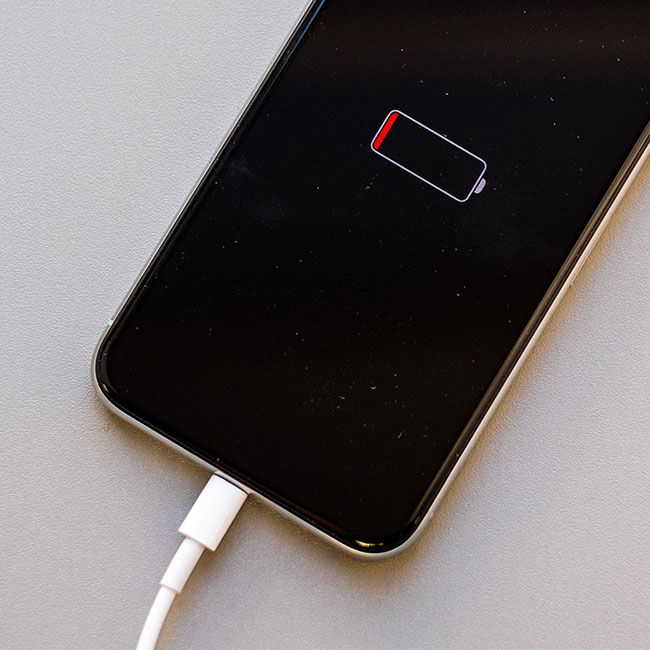
Image @shefinds via Pinterest
According to a 2023 study by Common Sense Media, girls aged 11 to 17 receive over 230 notifications a day. Some teens even clock in at 5,000. That’s not just a notification problem – it’s a battery crisis.
And while Apple still hasn’t given us a magic switch to stop the screen from waking with every ping, there is a workaround. Two, actually.
Option one: go old school and place your phone face down. Option two: master the art of notification management.
MORE: How to Stop Your iPhone from Secretly Tracking You: 3 Key Settings to Change
DISCOVER: Eye Phone: Could This Be The End of Touch Screens?
Head to Settings > Notifications on your iPhone and start trimming the digital fat. Tap into each app and turn off ‘Allow Notifications’ for the ones you don’t need constant updates from (sorry, Candy Crush). Or, if you want to cut the noise without losing touch, try Scheduled Summary. This neat feature batches your notifications and delivers them at times you choose. Go to Settings > Notifications > Scheduled Summary and customise away.
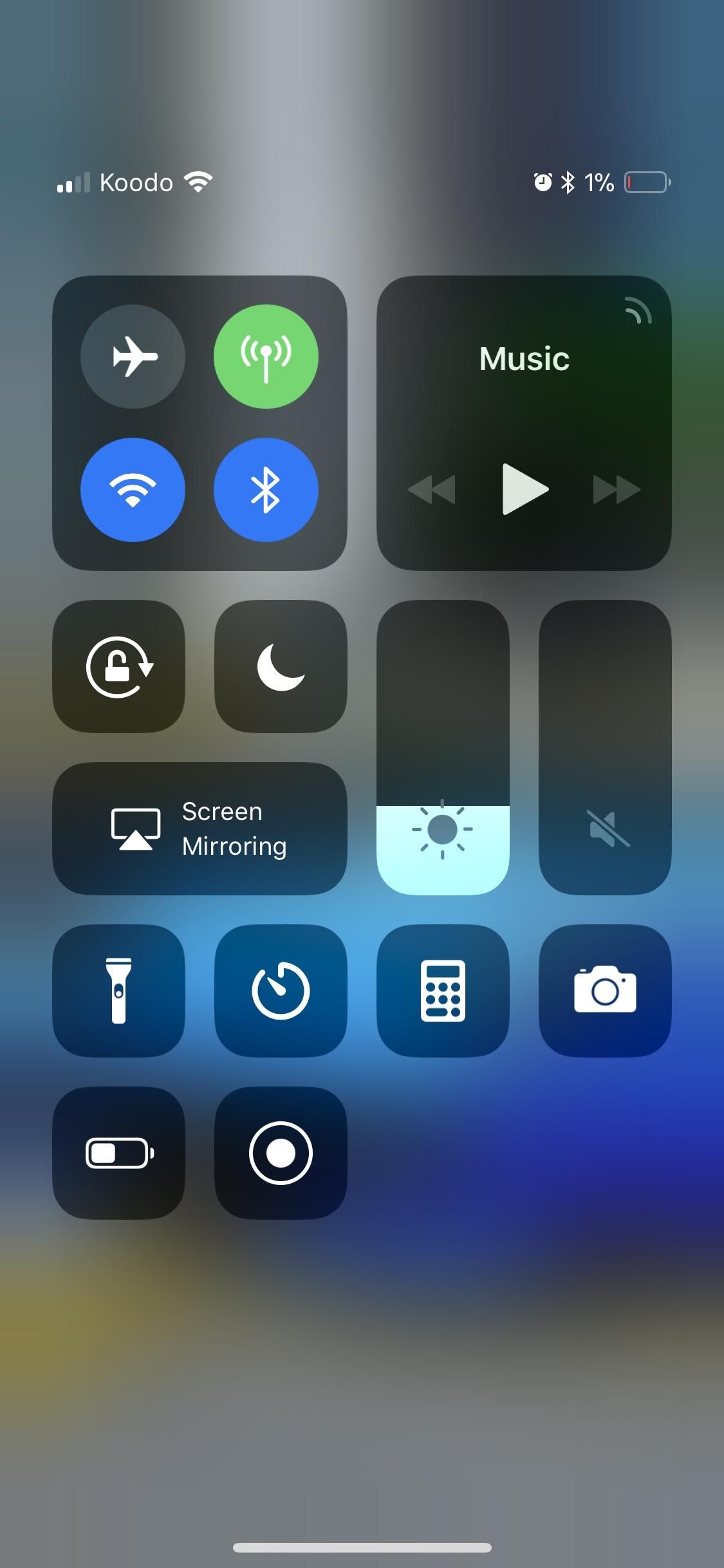
Still struggling to stay powered up? Enter Focus Mode – a millennial multitasker’s best friend. Set it to block distractions during work, rest, or just when you’re trying to finally finish that podcast without being bombarded.
MORE: The Hermès x Apple AirTag is the chicest way to not lose things
DISCOVER: 118 Fresh Emojis on the Block: What iOS 17.4 Brings to Your Keyboard
Then there’s the sneaky location drain. GPS might be a lifesaver when you’re lost in Soho, but it quietly saps your battery when left on 24/7. Go to Settings > Privacy & Security > Location Services and turn it off when you’re not actively using it.
Need more intel? Kewin Charron from phone repair company Back Market told Wiliam Hunter from DailyMail.com, “The first step is to understand which apps consume the most battery. From here, users can start to prioritise the apps they use regularly and purge any that are taking up unnecessary space.”
Find your biggest battery offenders via Settings > Battery. If apps are running in the background, disable ‘Background App Refresh’ for them under Settings > General > Background App Refresh.
Tiny tweaks, major battery wins.
Some of the products and services featured in this article may be from our affiliate partners, which means we may earn a small commission if you make a purchase through these links — at no extra cost to you. Our editorial team only spotlights what we genuinely love and think you will, too.
11 responses to “This Is The Easiest Way To Preserve Your iPhone Battery”
-
… [Trackback]
[…] Info to that Topic: themodems.com/tech/this-is-the-easiest-way-to-preserve-your-iphone-battery/ […]
-
… [Trackback]
[…] Information to that Topic: themodems.com/tech/this-is-the-easiest-way-to-preserve-your-iphone-battery/ […]
-
… [Trackback]
[…] Find More Information here on that Topic: themodems.com/tech/this-is-the-easiest-way-to-preserve-your-iphone-battery/ […]
-
Thanks for sharing this insightful article.
-
I appreciate the effort put into this post.
-
So glad I stumbled upon this.
-
… [Trackback]
[…] Find More Information here to that Topic: themodems.com/tech/this-is-the-easiest-way-to-preserve-your-iphone-battery/ […]
-
… [Trackback]
[…] Here you will find 19437 additional Info on that Topic: themodems.com/tech/this-is-the-easiest-way-to-preserve-your-iphone-battery/ […]
-
… [Trackback]
[…] Info on that Topic: themodems.com/tech/this-is-the-easiest-way-to-preserve-your-iphone-battery/ […]
-
… [Trackback]
[…] Here you can find 22231 more Information to that Topic: themodems.com/tech/this-is-the-easiest-way-to-preserve-your-iphone-battery/ […]
-
… [Trackback]
[…] Find More to that Topic: themodems.com/tech/this-is-the-easiest-way-to-preserve-your-iphone-battery/ […]


Leave a Comment